Product website / 2026
Keepall
website
Product demos and
website interactions.
I designed the website to explain what Keepall saves, show how capture works, and state where the library is stored. This case study covers the product demos, hero animation, and footer interaction.

My role
I set the page structure, selected the demos, and directed visual and motion revisions. AI agents generated much of the implementation. The composition draws on Fora; the scene artwork was generated with AI.
What the page must explain
Visitors need to see which content types Keepall supports, how to save them, and what local storage means for their library.
Design decisions
Hero icons
Animate the icons into the library.
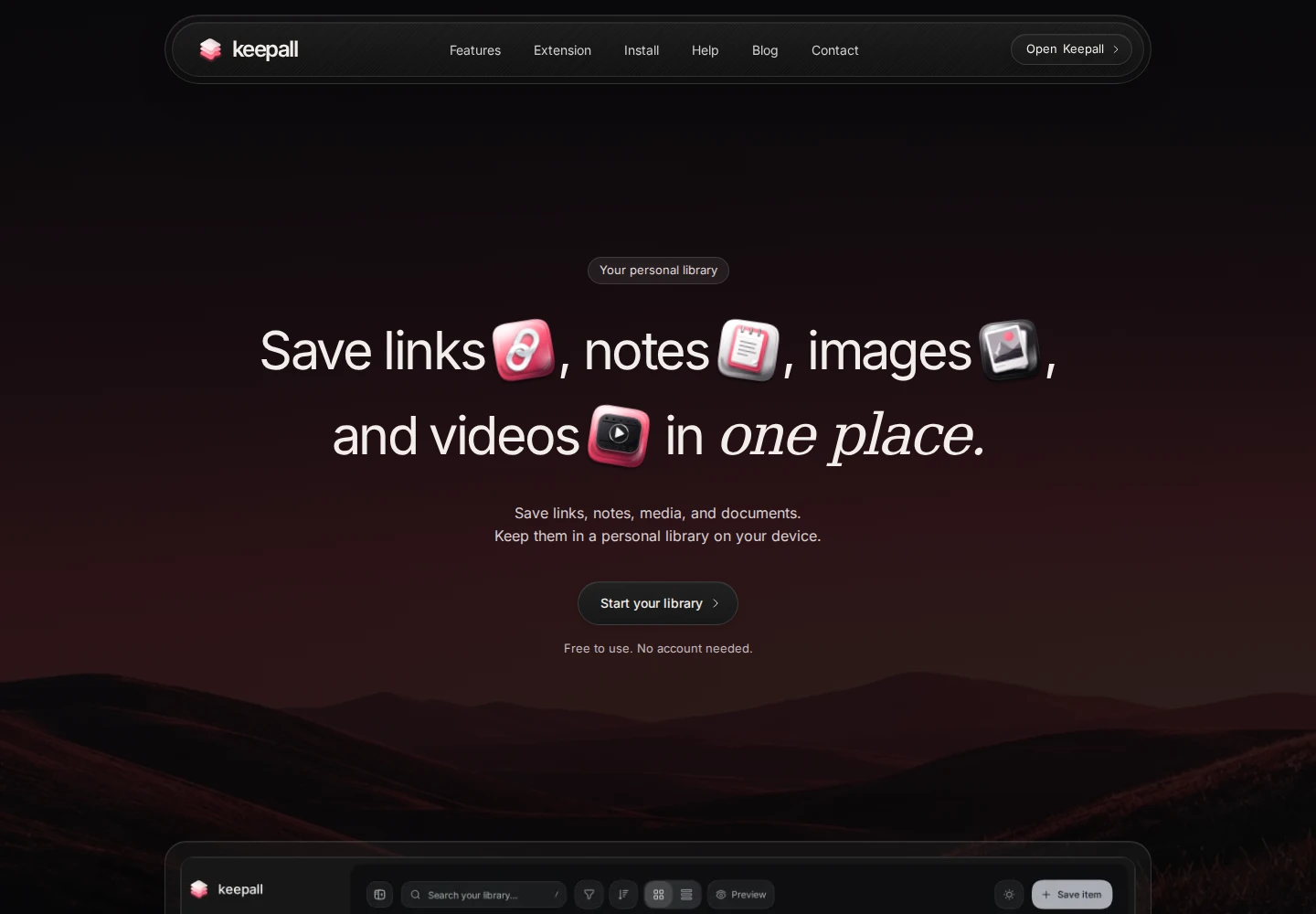
The headline has an icon for each content type. Each icon responds to hover and click. Scrolling moves the icons from the headline into the library preview.
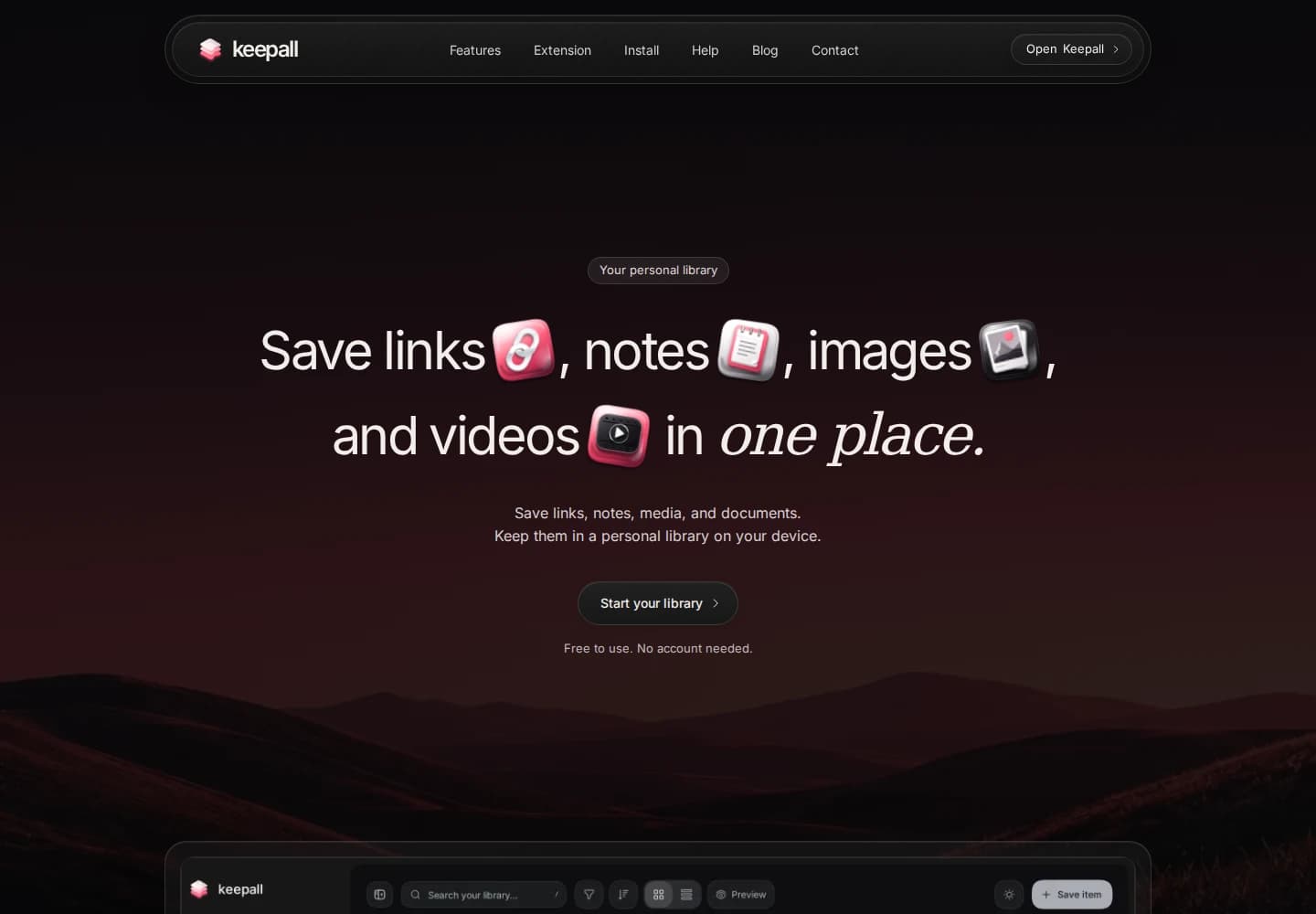
The four icons sit inside the headline. The recording starts here, then follows their movement into the library.
Actual Keepall website capture · October 2026The problem
The entrance and hover effects changed the measured icon positions. The scroll animation could then start or end at the wrong coordinates.
The decision
I directed a correction that measures the headline and library before applying animation transforms. Each icon has a separate destination inside the preview.
Reduced motion
With reduced motion enabled, the icons stay still. The headline and the link to open Keepall remain available.
Implementation notes and source
This demo reuses the original hover and click animations. On the full website, scroll direction starts or reverses the drop animation. The animation then runs on its own timing.
Product explanation
Use recordings of the actual capture steps.
I replaced the early mockups with browser recordings and working samples from the app.
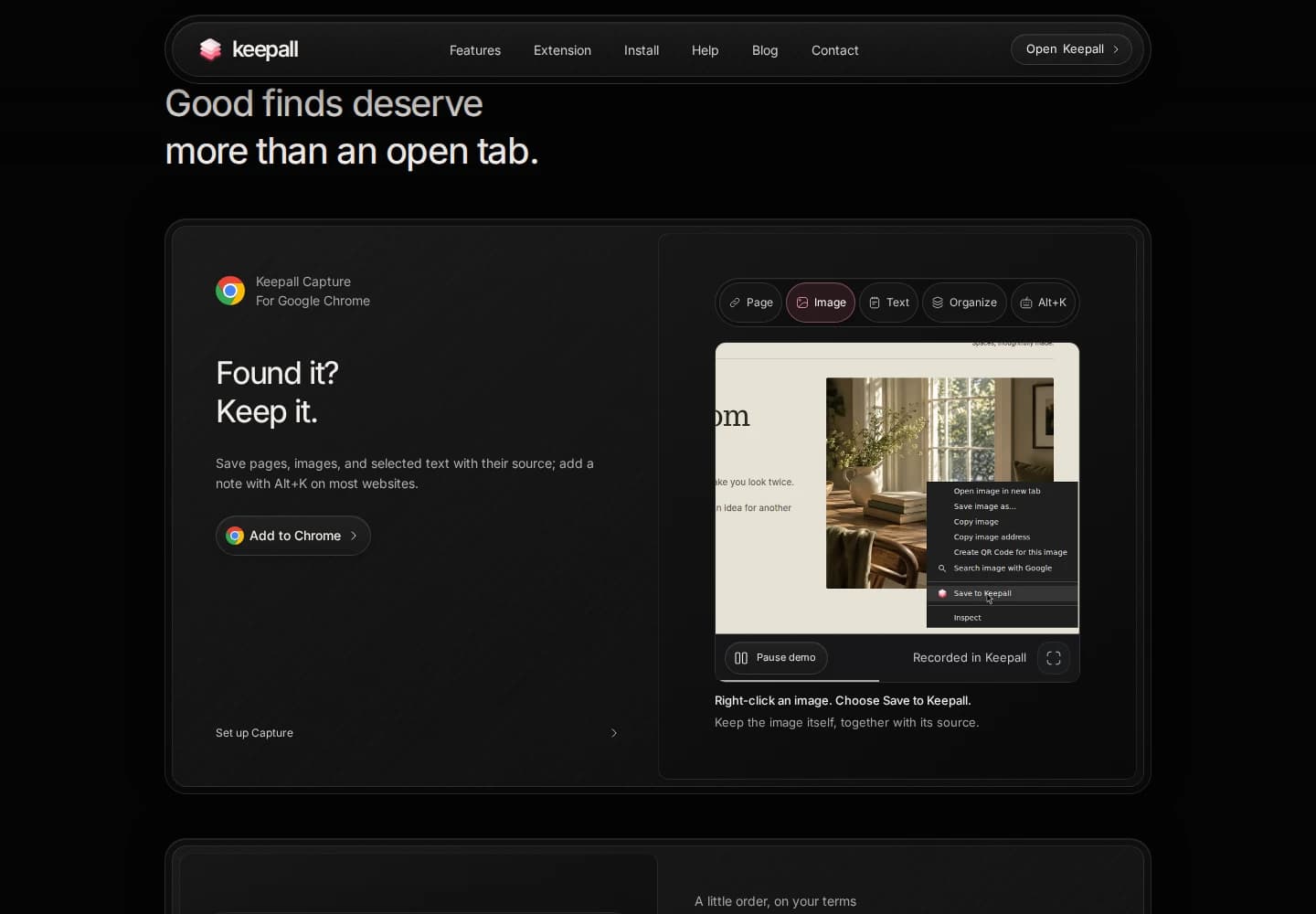
The extension section plays a real Chrome recording. The selected example explains how to save an image with its source.
Actual Keepall website capture · October 2026Earlier version
The earlier extension demo used keyboard-driven image saving when the action needed to be shown with the pointer. The camera also moved too late to explain the click.
What I changed
I asked for pointer-based recordings and camera movement timed to the action. Each clip covers one task. The smaller demos use the note editor, PDF viewer, and image palette controls.
Stable demo layout
I reserved space for each demo and its controls so state changes do not move the page. Long notes scroll inside the demo. The editor and preview use the same area.
The extension clips have pause and replay controls. They stop when offscreen, and reduced motion leaves playback to the visitor.
Implementation notes and source
The website uses the app's note renderer and editor. The extension demonstrations are recordings, not a live connection to the visitor's library. The case-study video records these demos as they appear on the website.
Footer interaction
Reveal the wordmark at the page end.
Scrolling past the bottom moves the footer content upward and reveals the Keepall wordmark beneath it. The content returns when the gesture ends.




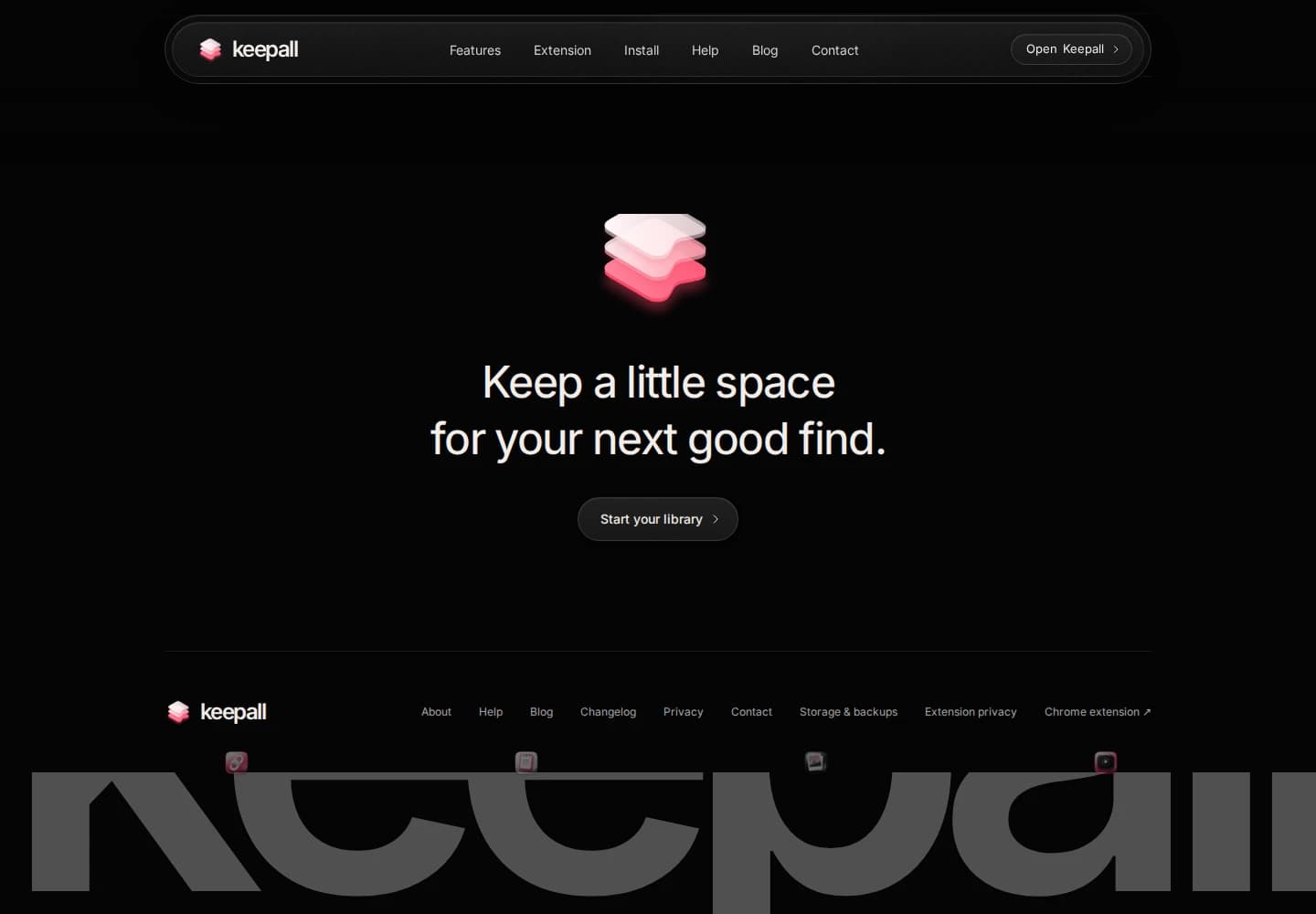
An extra scroll gesture lifts the cover and reveals the wordmark. The icons move with the pull, then launch when it ends.
Actual Keepall website capture · October 2026Layer placement
The first crop did not follow the actual closing content. I placed the stationary wordmark beneath that content and made the cover move above it.
Scroll behavior
The gesture starts only at the page end. Normal upward scrolling remains available. A new pull catches the returning cover and icons at their current position.
Pull and release
The pull has a maximum distance. Faster gestures launch the icons farther. The footer moves with a transform, so the document height stays fixed.
Implementation notes and source
The wordmark sits in an absolute layer under the footer. The cover uses a transform. On release, the icons start from their measured positions. Reduced motion disables the original extra-scroll gesture; this excerpt shows the wordmark as a still.
Summary
Explain local storage.
The opening states that the library stays on the device. The storage section says there is no account or automatic sync. The installation guide also explains that the iPhone Home Screen app and Safari have separate libraries.
The website also links to the backup and recovery guide.
The recordings show the current website. Earlier problems come from the revision history. I have not measured a conversion change.